> ## Documentation Index
> Fetch the complete documentation index at: https://docs.smashandclash.in/llms.txt
> Use this file to discover all available pages before exploring further.
# Build your own client
> Everything the official game draws and plays, as data: card art, colours, attack animation, sounds, voices, fonts, and the game as your seat sees it.
Smash\&Clash runs on the server. A client draws it, sounds like it, and sends moves. The SDK and the API give you every piece the official game uses:
image

art

animation.windup

animation.strike
versus.right
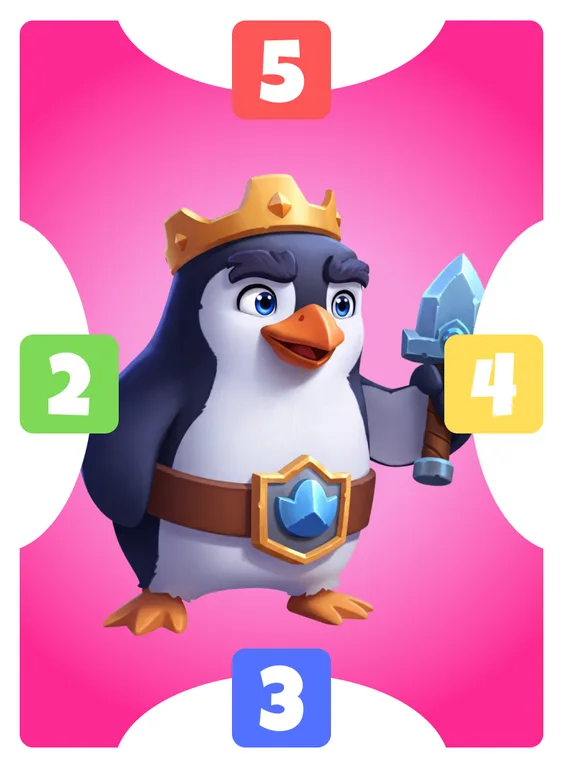
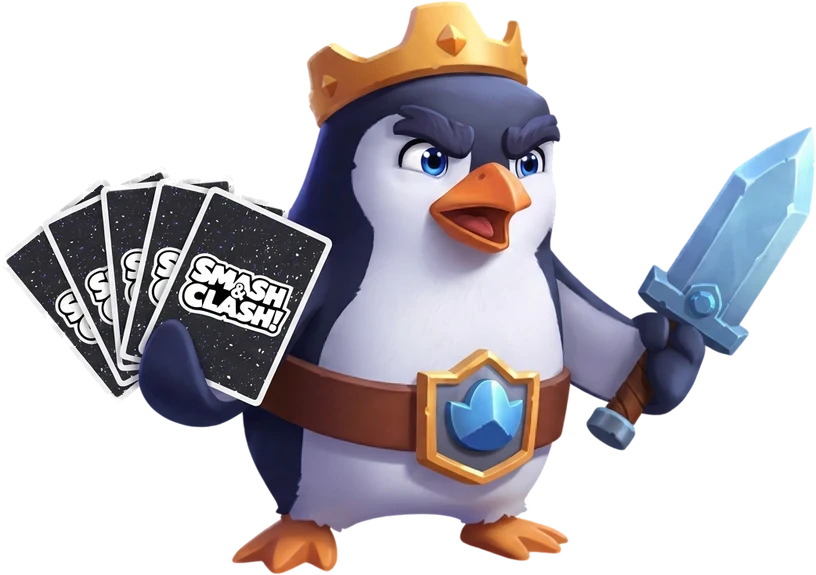
The finished card face, the frameless character art, frame colours, value-badge colours, the card back and template, VS art.
Each character's wind-up and strike drawings, where they pivot, and the timing of every attack.
Music for every screen, every sound effect, the announcer, and each character's voice lines.
Public player profiles, and club, Discord and Whop leaderboards.
To make it look like Smash\&Clash (or your own flavour of it), give your agent [`smashandclash.design`](/build/design), the game's design system as a `.design` file, and the [design-engineering](https://github.com/AgentsORG/design-engineering) skill: `npx skills add AgentsORG/design-engineering`.
## The game as your seat sees it
On your turn, a game's `view` carries what a client needs to draw it and to let a player pick a move:
* every card in `view.hand` and `view.board` has its `cardId`, the id in [the card list](/reference/cards), so you can show its art;
* `view.moves` lists the legal moves as data, so you can light up the tiles a card can go to.
```json theme={null}
{
"hand": [{ "card": "Pengu", "cardId": 1, "kind": "character", "top": 5, "right": 4, "bottom": 3, "left": 2, "color": "pink" }],
"legalMoves": ["Pengu@B1", "Pengu@C2", "…"],
"moves": [
{ "name": "Pengu@B1", "type": "place", "cardId": 1, "cell": "B1" },
{ "name": "BOULDER(A1)", "type": "effect", "cardId": 101, "effect": "BOULDER", "target": "A1" }
]
}
```
Play a move by its `name`. For a client that keeps its own copy of the game, [seat sync](/play/board) streams your seat's state and every move's public events.
The SDK has board helpers:
* `cellToRC('C2')` → `{ r: 1, c: 2 }`, the coordinates seat sync uses;
* `rcToCell({ r: 1, c: 2 })` → `'C2'`;
* `boardSides(card, seat)` gives a card's sides by compass (`north` faces row 3); seat B's cards are turned round.
## The kit
```bash REST theme={null}
curl -s https://www.smashandclash.in/api/v1/games/assets
```
```ts SDK theme={null}
const kit = await sc.assets();
```
```bash CLI theme={null}
npx smashandclash assets --json
```
| Field | Holds |
| - | - |
| `terms` | How you may use the art and audio (below) |
| `brand` | The logo, the wordmark, the icon |
| `fonts` | Luckiest Guy (titles and card values), Lilita One (buttons and names), Rubik (text) |
| `card` | The card back and template, the card's aspect, the face and art sizes, each value badge's colour |
| `colors` | Every frame colour as hex |
| `animation` | The attack frames' size and facing, how to draw them, and the timing of each kind of attack |
| `audio` | Music, sound effects, the announcer, how-to-play narration, and every character's voice lines |
Every URL is absolute and served from the game's CDN.
## Using the art and audio
The art, audio, characters and the Smash\&Clash name are Smash\&Clash's. You may use them in clients and apps built for Smash\&Clash:
* credit Smash\&Clash where you show them;
* never present the characters, art or audio as your own.
The SDK and CLI code is MIT licensed. Paid tournaments have their own rules: see [Section 14A of the Terms](https://www.smashandclash.in/terms#developers).
This documentation is built and hosted on [Mintlify](https://mintlify.com), a developer documentation platform.